Download Roundhand
For a Mac with Apple silicon, macOS 14 or later.
Version 0.2.3Released Roundhand 0.2.3 on GitHub
System requirements
- macOSmacOS 14 or later
- ProcessorApple silicon (M1 or later). Intel Macs are not supported.
- FileRoundhand-0.2.3.dmg, 15.1 MB
After you download
Drag it to Applications
Open Roundhand-0.2.3.dmg and drag Roundhand to Applications.
Open it
Launch Roundhand from Applications.
Allow two permissions
Microphone and Accessibility. Roundhand needs both to hear you and to insert text.
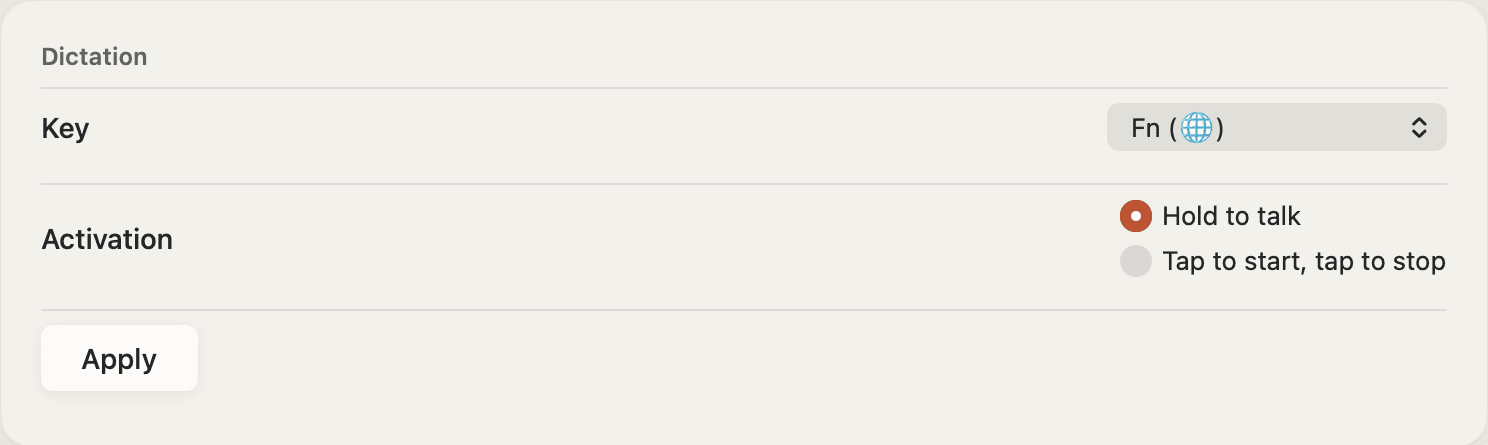
Hold a key and speak
On first run Roundhand downloads its speech model, once. After that, speech is recognised on your Mac.
Updates
Roundhand updates itself. It reads the same release feed this page is built from, offers each new version when it is published, and installs it in place. What changed in each version is in the release notes.
Windows
Roundhand for Windows is in development and will be released after the Mac app. Join the Windows waitlist to hear when it is ready.