Put the typing down.
Hold a key and talk. Roundhand tidies your words for the app you are in and puts them at your cursor.
Roundhand is voice to text that runs on your computer: speech is recognised there, so voice typing keeps working offline, and your audio is never uploaded.
Free. Apple silicon, macOS 14 or later.Version 0.6.0
On a PC? Get it for WindowsAll downloads
Free. Windows 11. Installs from the Microsoft Store.
On a Mac? Get it for MacAll downloads
Roundhand runs on a Mac or Windows PC.
Free on Mac and Windows.
# design-review
Can we push the review to Thursday? I think we need one more day.
um so can we uh push the review to thursday i think we need like one more day
How Roundhand turns speech into text
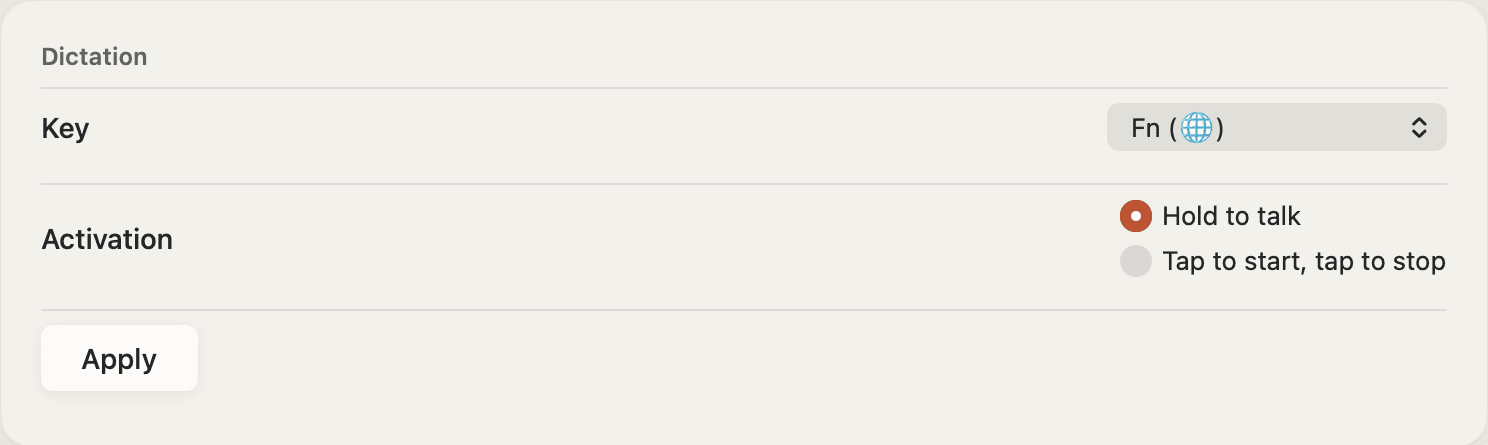
Hold your dictation key and speak
FnRight CtrlFn by default. Talk as you would to a friend.
Roundhand writes down what you said
On your computer. Ums go, restarts get sorted.
The text lands at your cursor
Shaped for the app you are in: short in chat, full sentences in email, exact in a terminal.
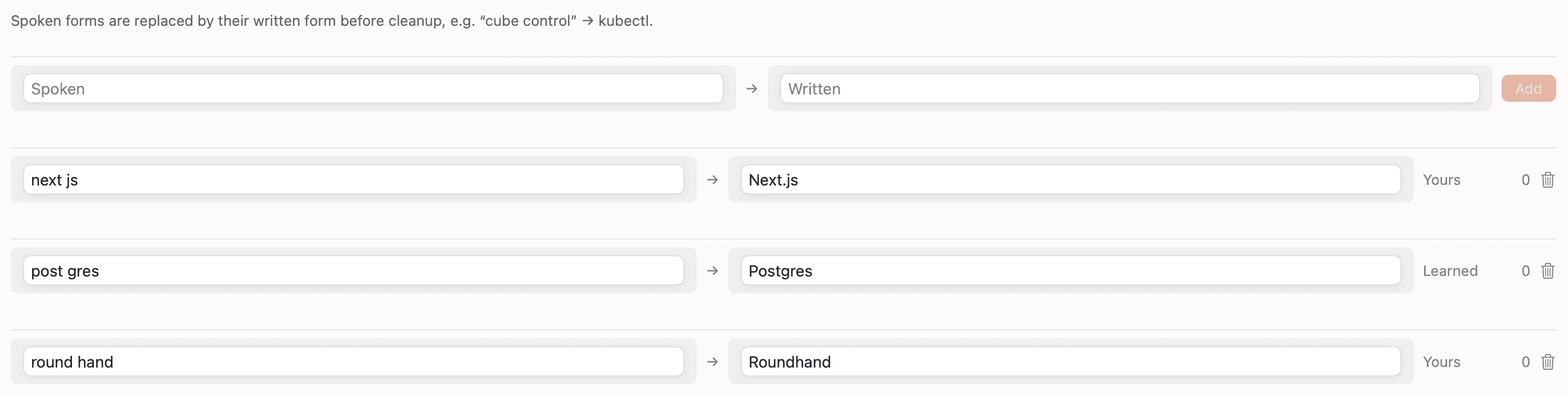
Shaped for the app you are in
Roundhand sees where your cursor is and writes to fit.
- MessagesShort and casual
- EmailFull sentences, ready to send
- DocumentsCapitalised, with a closing full stop
- BrowsersPlain text for search and forms
- Code editors and terminalsCommands keep their exact casing
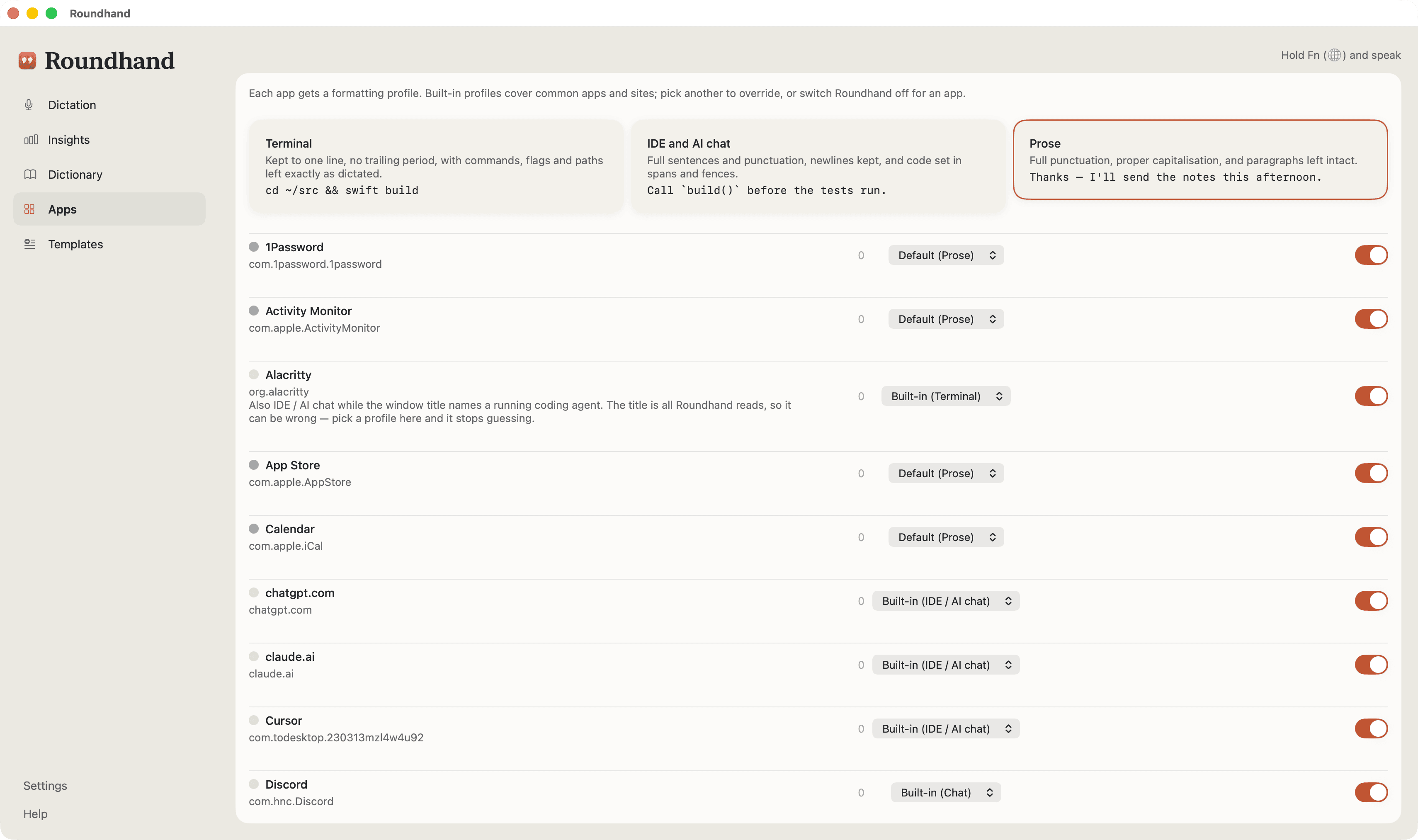
Meeting notes that write themselves
When a call starts, Roundhand offers to record it. Afterwards you have the whole conversation, who said what, and what each person agreed to do.
- When a call startsRoundhand offers to record Zoom, Teams, Meet and other calls
- While you talkA small window shows the transcript as it is written
- Who said whatName the speakers after the call; Roundhand learns your own voice
- After the callA summary and each person's action items, with cloud cleanup
- Your recordingTranscribed on your computer, and kept for playback only if you choose
Private dictation: your voice stays on your computer
So you can think out loud.
Your computer
Speech is recognised on your computer. Your audio is never uploaded.
The built-in cleanup runs on your computer too.

Cloud cleanup is optional. It sends text, never audio.
No analytics in the app. No trackers on this site.
Roundhand in short
- What it isA dictation app for Mac and Windows that lives in the menu bar or the system tray.
- Where speech is recognisedOn your computer. Your audio is never uploaded.
- Without internetDictation and the built-in cleanup work offline once the speech model has downloaded.
- Where it writesInto the app in front of you, including chat, email, documents, browsers, code editors and terminals.
- MeetingsRecords calls, transcribes them on your computer and labels each speaker. Summaries come with cloud cleanup.
- What you needA Mac with Apple silicon and macOS 14 or later. A PC with Windows 11 and an x64 (Intel or AMD) processor.
Free for as long as you like
Dictation with the built-in cleanup stays free, and so do meeting transcripts. Paid plans add cloud cleanup, which also writes meeting summaries. One account and one plan cover Mac and Windows, on up to three computers.
Go on, say something.
Free. Windows 11. Installs from the Microsoft Store.
On a Mac? Get it for MacAll downloads
Free on Mac and Windows.